Documentation Index

Fetch the complete documentation index at: https://docs.trophy.so/llms.txt

Use this file to discover all available pages before exploring further.

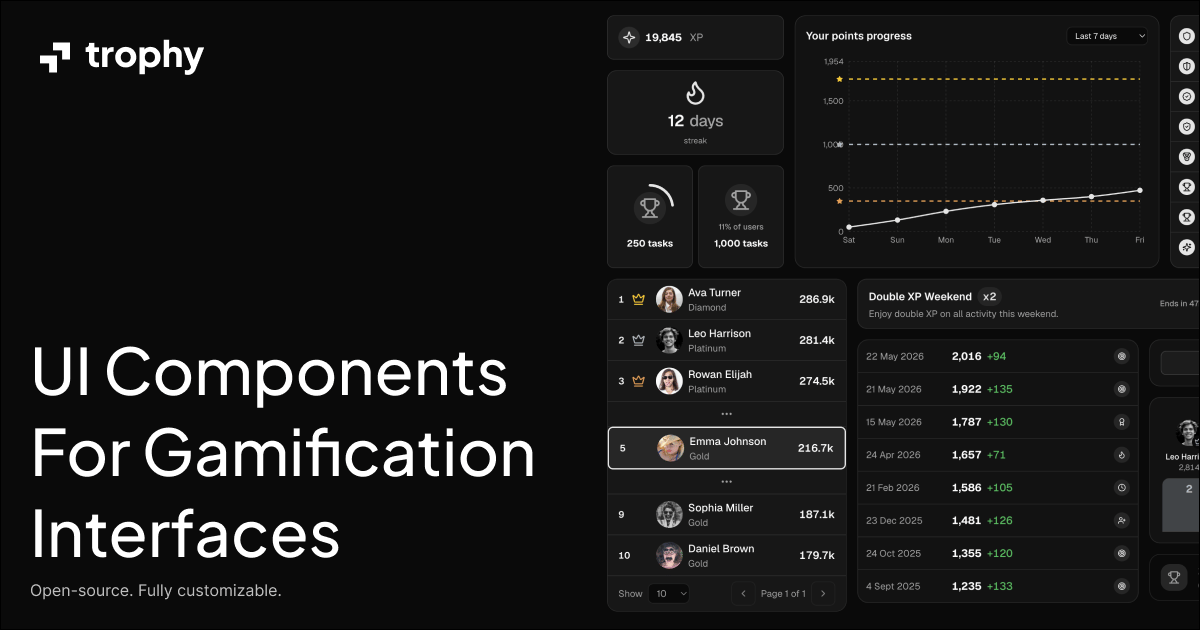
Trophy’s Gamification UI Kit is a component library built on top of shadcn/ui that helps you build gamification experiences faster. It provides pre-built components for streaks, achievements, leaderboards, points, and more. The UI Kit is designed to work with any gamification platform, but all props and data shapes are designed intentionally to work seamlessly with Trophy.

Prerequisites

  • React 18+ — Components are client-side React.
  • Tailwind v4+ — Styling is Tailwind utility classes. Configure Tailwind so those classes compile, and add the semantic theme tokens Trophy expects (or map them to your design system).
  • shadcn/ui structure — Maintain a project that already follows the shadcn/ui setup (components.json, aliases, and optional src/ layout).

Getting Started

Components are available via the shadcn CLI:
npx shadcn@latest add https://ui.trophy.so/<component>
For example, to install the Streak Badge component:
npx shadcn@latest add https://ui.trophy.so/streak-badge
Once a component is installed, you can import and use it like any other React component. Files are added into your project (the same open-code model as shadcn/ui), so you can adjust markup and align styles with your design system. For example, after installing the Streak Badge component, you can compose it on a page like the following:
"use client"

import { StreakBadge } from "@/components/ui/streak-badge"

export default function Page() {
  const streak = 7

  return (
    <div className="flex items-center justify-center p-8">
      <StreakBadge length={streak} />
    </div>
  )
}
The default import path is @/components/ui/<component>. If your components.json uses another directory or alias, update the import to match. For props, variants, and data shapes, use each component’s API section on its doc page—see All components for the full list.