> ## Documentation Index
> Fetch the complete documentation index at: https://docs.trophy.so/llms.txt
> Use this file to discover all available pages before exploring further.
# Metrics
> Learn how to model user interactions using Trophy Metrics. Model any user interaction and trigger automated gamification flows with just a few lines of code.
What are Metrics?
All gamification features are centered around user interactions. At Trophy, we use the term **Metrics** to refer to the data objects that model those interactions within your web or mobile app.
Metrics are un-opinionated, meaning they can be used to model absolutely any user interaction you can think of. Examples could include:
* Followers, likes or posts
* Tasks completed
* Miles ran
* Lessons completed
* Words written
* ...
Metrics are the building blocks of the infrastructure that powers Trophy's gamification features. Each user interaction that relates to a metric is stored as an [Event](/features/events).
Events are stored and processed in chronological order. At any particular point in time, the combined state of a user's event history reflects their overall progress on your platform.
Key Attributes
Here we describe the key attributes that allow you to create metrics to best fit your use case.
Units
You can easily assign units to metrics in the dashboard for either:
* Arbitrary numbers (tasks, posts, messages etc.)
* Currencies (\$, £, €)
Creating Metrics
To create a Metric, head over to the [Metrics](https://app.trophy.so/metrics) page within Trophy and hit the **New Metric** button:
Choose a name for the metric.
Save the new metric.
Configure additional settings like metric units or currency if applicable on the metric configure page.
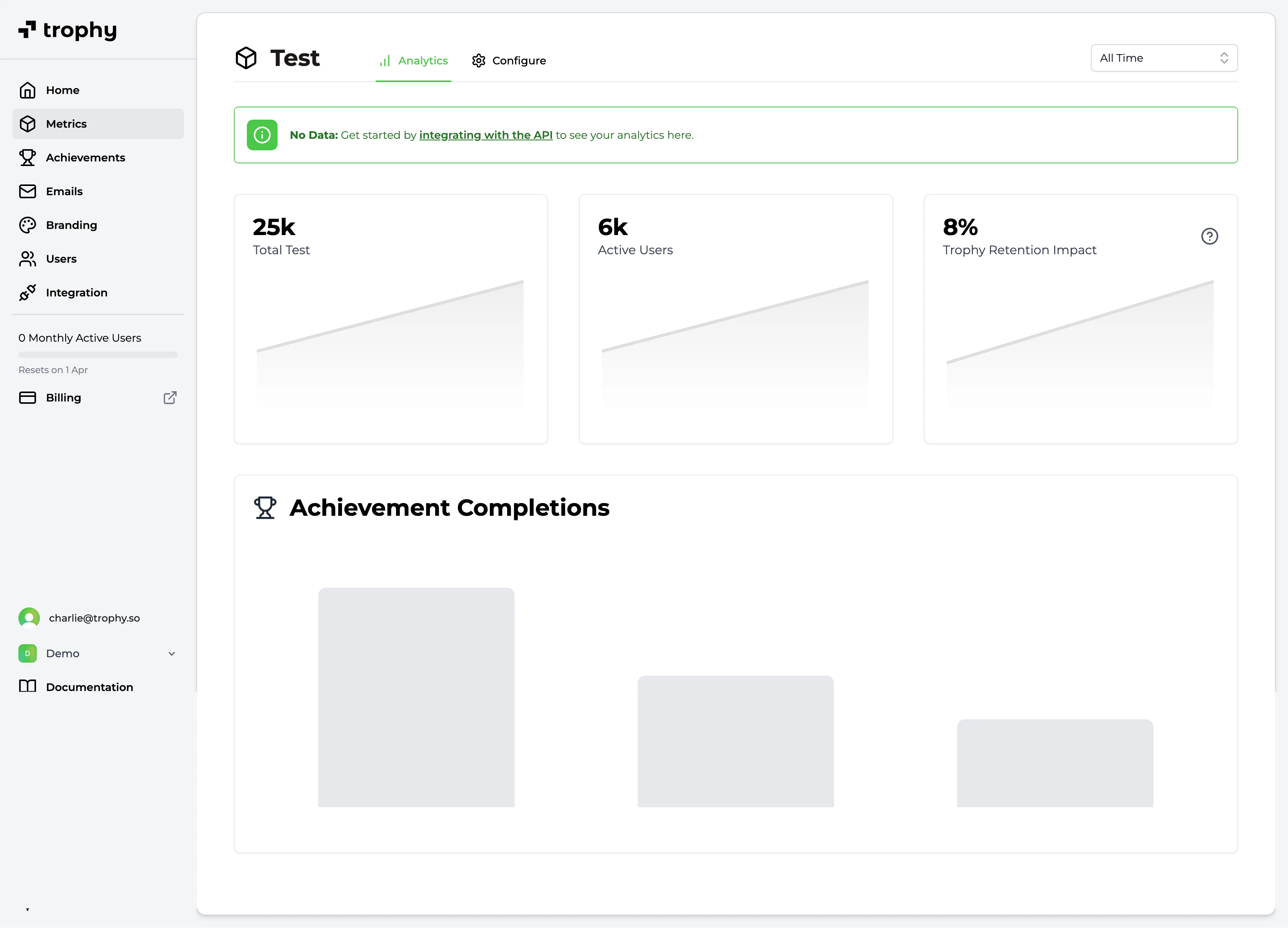
Metric Analytics
Trophy has a built-in analytics dashboard for each metric you create. It shows you:
* The total value of all tracked events against the metric
* The number of users actively making progress against the metric
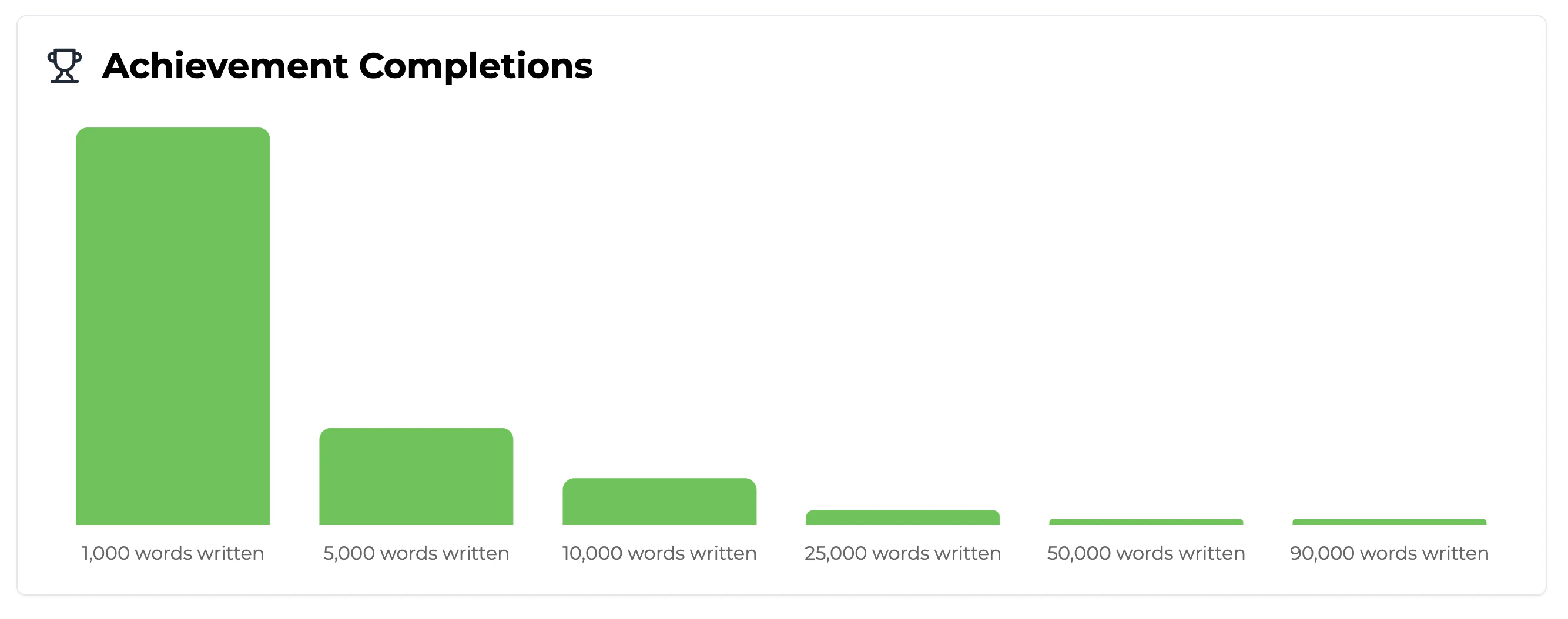
* The metric's [Achievement Completion Chart](#achievement-completion-chart)
Achievement Completion Chart
The achievement completion chart shows the current state of the userbase in terms of the number of users who have completed each achievement that you've configured against this metric.
[Learn more about achievements](/features/achievements).
Frequently Asked Questions
As many as you want!
No, metrics are purely server-side and only support the business logic around achievements, streaks and other workflows like sending emails.
They don't control any in-app UI, but our APIs provide all the data you need to build whatever UI you want.
Get Support
Want to get in touch with the Trophy team? Reach out to us via [email](mailto:support@trophy.so). We're here to help!