> ## Documentation Index
> Fetch the complete documentation index at: https://docs.trophy.so/llms.txt
> Use this file to discover all available pages before exploring further.
# Branding
> Configure your logo and brand colors used across features built with Trophy.
The [branding page](https://app.trophy.so/branding) in the Trophy dashboard allows you to configure the following account-level settings. These setting will be used in any communications you configure Trophy to send to users, like [Emails](/features/emails).
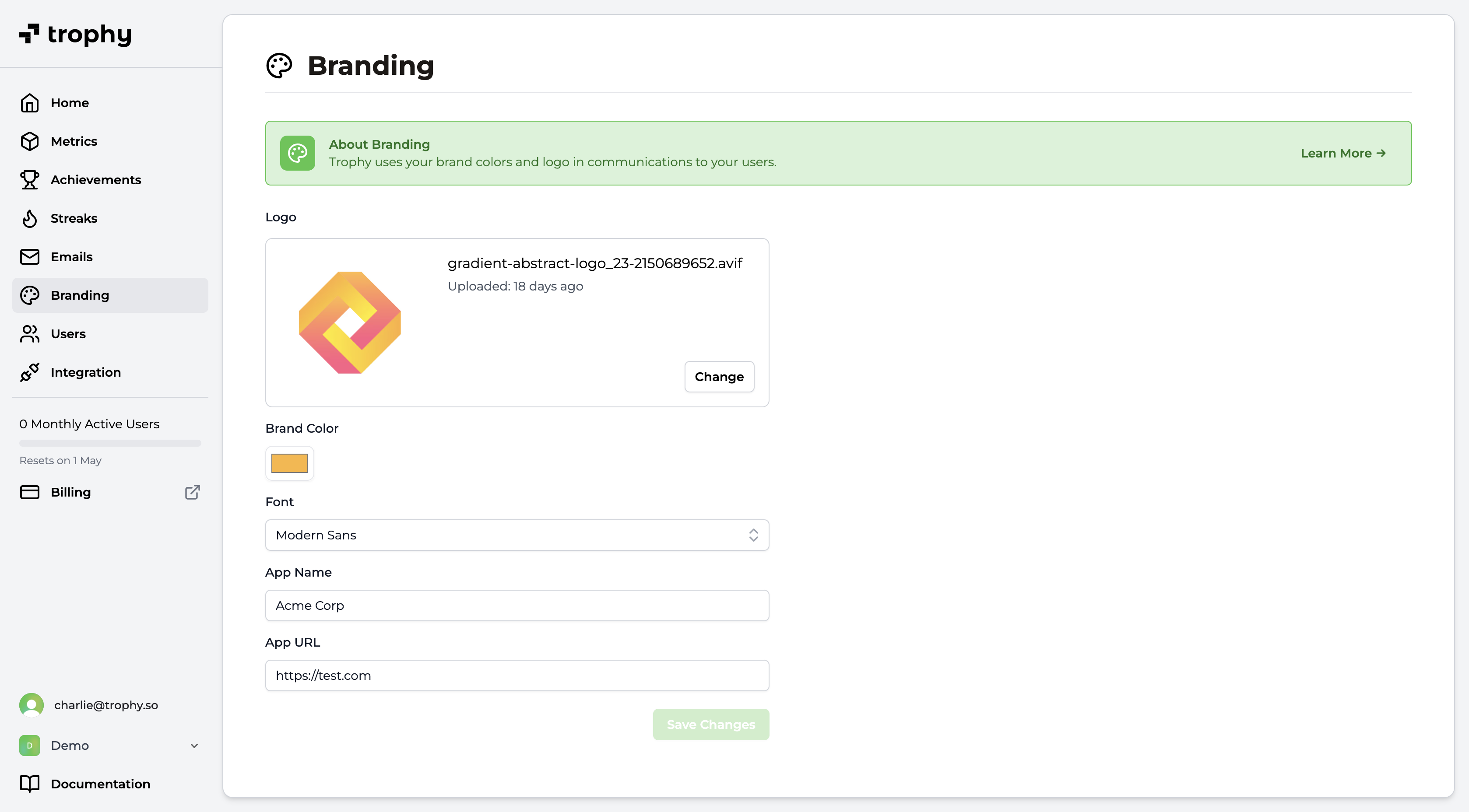 * **Logo**: Upload your brand’s logo to be displayed in the header of Trophy emails. We recommend using a horizontal logo with a transparent background or a plain background color with rounded corners.
* **Font**: The default font used in Trophy emails.
* **Brand Color**: Choose a primary color for your brand. Trophy will use this color for buttons and other elements in your emails.
* **App Name**: Enter the name of your app or service. Trophy will use this name in various places in your emails.
* **App URL**: Enter a default URL to use when not overridden on a per-email basis. Usually this is the URL of your app or service's sign in page.
* **Logo**: Upload your brand’s logo to be displayed in the header of Trophy emails. We recommend using a horizontal logo with a transparent background or a plain background color with rounded corners.
* **Font**: The default font used in Trophy emails.
* **Brand Color**: Choose a primary color for your brand. Trophy will use this color for buttons and other elements in your emails.
* **App Name**: Enter the name of your app or service. Trophy will use this name in various places in your emails.
* **App URL**: Enter a default URL to use when not overridden on a per-email basis. Usually this is the URL of your app or service's sign in page.
Get Support
Want to get in touch with the Trophy team? Reach out to us via [email](mailto:support@trophy.so). We're here to help!